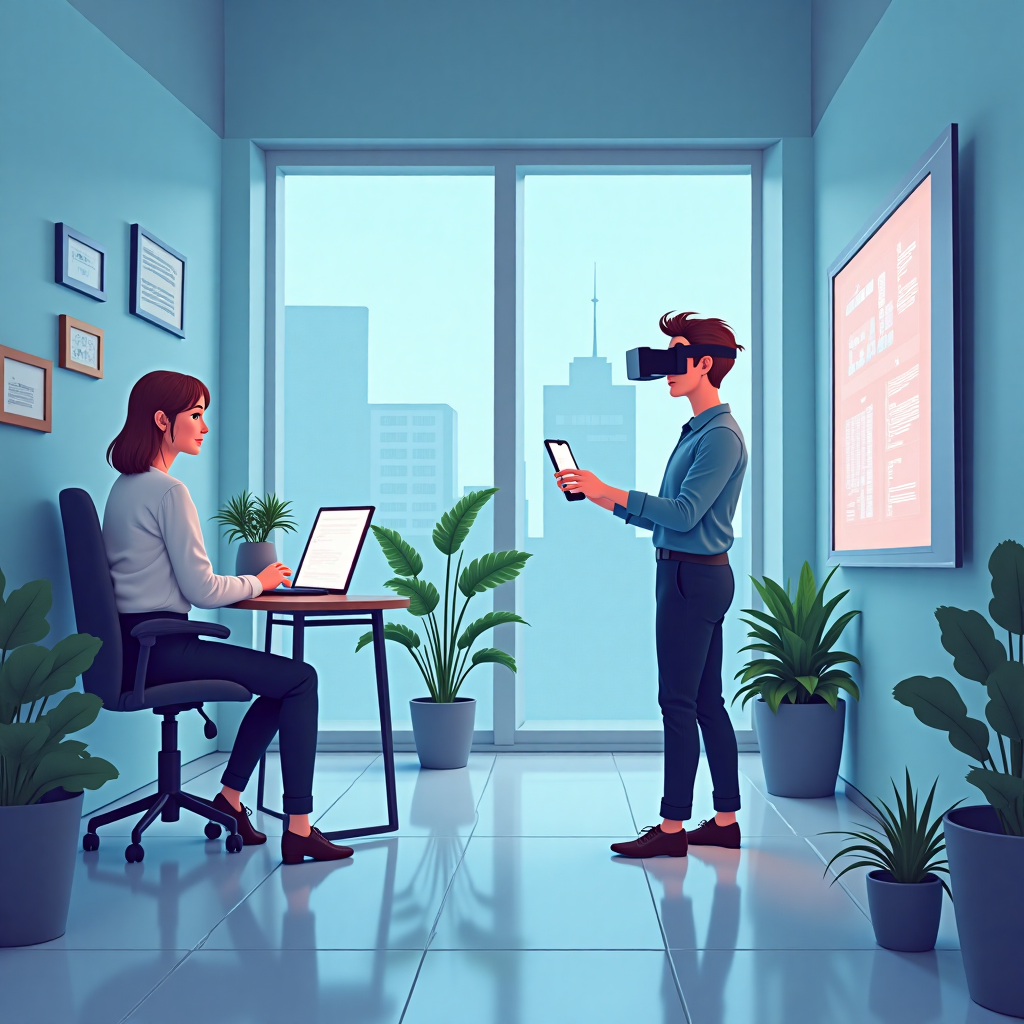
When most people hear the terms augmented reality (AR) and virtual reality (VR), they often imagine futuristic goggles and science fiction scenarios. But the truth is far more practical. Over the past decade, both technologies have quietly moved from research labs and gaming conventions into the routines of everyday people. They help us navigate unfamiliar streets, try on makeup without touching a single product, attend workout classes in digital worlds, and even collaborate with colleagues across the globe. Despite their shared reputation as “immersive technologies,” AR and VR are not the same thing, and the differences between them matter when you decide which one fits your daily life.
In simple terms, AR adds digital elements to the real world, while VR replaces the real world with a simulated one. That single distinction shapes everything from the hardware you use to how you feel after a session. Understanding these differences can help you choose the right tool for navigation, shopping, socializing, fitness, education, or entertainment. This article explores the practical, day-to-day differences between AR and VR, based on real-world use rather than hype.
What AR and VR Actually Mean
Before diving into daily use, it helps to define both technologies clearly. Augmented reality overlays computer-generated images, text, or sounds onto your view of the physical environment. You still see the room around you, the street ahead, or your own face in a mirror, but digital elements appear on top of that view. A classic daily example is a social media filter that adds virtual sunglasses or dog ears to your selfie. Another is a navigation app that displays arrows on a live camera feed of the street. AR preserves your connection to reality and enhances it.
Virtual reality, by contrast, immerses you in a completely digital environment. When you put on a VR headset, screens cover your field of view, and sensors track your head and hand movements so you can look around and interact with a simulated world. You might be standing in your living room physically, but visually and audibly you are on a virtual beach, inside a game, or in a 3D meeting room. VR isolates you from your immediate physical surroundings, replacing them with a manufactured experience.
Both technologies rely on similar underlying components: displays, sensors, cameras, and software. But the way they use those components creates fundamentally different daily experiences. AR tends to be more accessible because it often works on devices you already own. VR usually requires dedicated hardware and a deliberate commitment of time and space.
The Core Difference: Augmentation vs. Replacement
The most important practical difference is the relationship each technology has with your physical environment. AR is additive. It respects and uses the real world as a foundation. You can walk down a busy sidewalk while following AR navigation cues, and you remain aware of cars, pedestrians, and curbs. The digital arrows appear over the real scene, but they do not hide it. This makes AR well suited to tasks that require mobility, safety, and continuous awareness.
VR is substitutive. It creates a closed digital environment that blocks out the physical world. This is why VR is so powerful for gaming, simulations, and immersive training, but it also means you cannot safely walk around a public space or interact with real objects while wearing a typical VR headset. You need a clear, safe area. Many VR systems ask you to set a “play boundary” before starting, and if you approach the edge, a grid appears to warn you. That boundary is a daily reminder that VR requires a dedicated physical space, while AR works within the space you already occupy.
The distinction also affects how long and how often people use each technology. Because AR is less intrusive, it can be used in short bursts throughout the day: checking a product review by scanning a barcode, translating a sign, or previewing a sofa in your living room. VR typically demands longer, uninterrupted sessions. People often schedule VR use for workouts, gaming, or virtual meetings rather than pulling it out for a 30-second task.
Hardware You Already Own vs. Hardware You Have to Buy
One of the biggest daily-use differences comes down to hardware. AR has a significant accessibility advantage because most people already carry an AR-capable device in their pocket. Modern smartphones and tablets have cameras, screens, processors, and motion sensors that can run AR apps without any additional equipment. Examples include Apple’s ARKit and Google’s ARCore platforms, which power thousands of everyday AR experiences. This low barrier to entry means you can try AR while standing in a store, sitting at home, or walking through a museum.
VR, on the other hand, usually requires a dedicated headset. Options range from standalone devices like the Meta Quest series to high-end systems tethered to powerful PCs, such as the Valve Index or PlayStation VR2. These headsets are more expensive than simply using a phone, and they also require charging, updating, and physical storage space. The setup process often includes clearing furniture, calibrating the headset, and putting on controllers. This does not make VR bad; it simply makes VR a more intentional activity than AR.
There are also hybrid or mixed reality headsets, such as the Apple Vision Pro or Meta Quest 3, that use passthrough cameras to blend VR and AR. These devices can show you a digital world or overlay digital objects onto a live view of your room. However, for most people in daily life, the practical choice remains a phone for AR and a dedicated VR headset for fully immersive experiences.
Daily Use Cases for AR
AR has become a quiet workhorse in daily life. Because it works on phones and does not isolate you from your surroundings, it fits naturally into tasks you already do. Below are some of the most common daily uses.
Navigation and Travel
One of the best examples of AR in daily use is live-view navigation. Apps like Google Maps and Apple Maps can activate a camera view that displays large arrows and street names over the real world. When you step out of a subway station and are unsure which way to walk, AR navigation can show you exactly where to turn. It reduces the cognitive gap between a flat map and the real 3D environment around you. Travelers also use AR translation apps that instantly translate foreign signs, menus, and documents by pointing the phone camera at them. Instead of typing words into a translator, you simply look through your phone and see the translation overlaid on the original text.
Shopping and Retail
AR has transformed online and in-store shopping by letting you preview products in your own space. Furniture retailers such as IKEA allow customers to place true-to-scale 3D models of sofas, tables, and lamps in their living rooms using a phone camera. Beauty brands offer virtual try-on tools that map makeup products onto your face in real time, so you can test lipstick shades without repeatedly applying and removing products. Eyewear and fashion companies use similar technology for virtual fitting rooms. In daily use, this means fewer returns, faster decisions, and a more personalized shopping experience.
Social Media and Communication
If you have ever used an Instagram or Snapchat filter, you have used AR. These filters track your face and overlay digital effects that move with your expressions. While they are often playful, they are also a daily form of AR that millions of people use without thinking about the technology. Video calling platforms are beginning to add AR effects as well, allowing users to appear with virtual backgrounds or subtle enhancements. AR stickers and emoji that react to your face are another example of how AR blends communication and entertainment.
Learning and Discovery
AR is a powerful educational tool in daily life. Apps like Google Lens let you point your camera at a plant, animal, landmark, or product to learn more about it instantly. Astronomy apps overlay constellation maps onto the night sky when you hold your phone upward. Museums use AR to bring exhibits to life, letting visitors point their phones at a dinosaur skeleton and see a fleshed-out version walking in the same space. In the home, AR can help with DIY projects by showing you how a piece of furniture will fit or guiding you through a complex repair with step-by-step visual instructions.
Daily Use Cases for VR
While AR hides in everyday phone tasks, VR tends to be a more immersive and session-based technology. People use VR for experiences that benefit from full attention and a sense of presence in another world. Here are the most common daily and weekly uses.
Gaming and Entertainment
Gaming remains the most popular consumer use of VR. Unlike traditional video games played on a flat screen, VR places you inside the game world. You physically duck, turn, aim, and swing your arms. This creates a level of engagement that flat gaming cannot match. Popular VR games range from rhythm-based titles like Beat Saber, where you slash blocks to music, to full adventure and simulation experiences. People also use VR headsets to watch movies in virtual theaters, attend live concerts, or view 360-degree videos that make them feel present at events around the world.
Fitness and Wellness
VR has quietly become a serious fitness tool. Apps like Supernatural, FitXR, and Les Mills Bodycombat provide structured workout classes in immersive environments. Because the headset tracks your movements, you can box, dance, stretch, or meditate while the system counts your activity. Many users find VR workouts more engaging than traditional exercise videos because the immersive environment reduces boredom and makes the session feel like a game. In daily use, VR fitness is a compelling option for people who want to exercise at home but struggle with motivation.
Remote Work and Collaboration
Virtual reality is also being used for remote meetings and collaborative work. Platforms such as Horizon Workrooms, Microsoft Mesh, and Engage allow teams to meet in virtual conference rooms as customizable avatars. While this may still feel novel, it offers advantages over standard video calls, including spatial audio, virtual whiteboards, and a stronger sense of presence. For teams working on 3D projects, VR lets colleagues inspect a model together, walk around it, and make changes in real time, which is far more natural than sharing screens.
Virtual Travel and Cultural Experiences
Not everyone can travel to a famous museum, historical site, or natural wonder. VR makes these places accessible from home. You can tour the Louvre, explore ancient ruins, or dive into the ocean without leaving your living room. These experiences are not just passive videos; they often allow you to look around and move through the space at your own pace. For people with limited mobility, financial constraints, or time, VR travel offers a meaningful daily or weekly escape.
How Each Technology Affects Your Senses and Space
AR and VR affect your body and your physical space very differently. With AR, you remain grounded in the real world. You can see your own hands, the furniture around you, and other people. This makes AR safer for use in public or while moving. You can hold your phone up in a store, glance at an AR overlay, and immediately return to a normal conversation. Even with AR smart glasses, which are becoming more common, the goal is to keep the real world visible and central.
With VR, your senses are redirected to a digital environment. The headset blocks your view of the physical room and replaces it with screens. Headphones or built-in speakers deliver 3D spatial audio that matches the virtual world. Because your brain receives conflicting signals—your eyes say you are moving, but your inner ear says you are standing still—some people experience motion sickness, especially during fast-paced games or when the virtual camera moves without physical movement. This is known as VR sickness, and it is one of the biggest daily usability challenges for VR.
The spatial requirements also differ significantly. AR apps can be used almost anywhere: on a bus, in a cramped apartment, or outdoors. VR generally needs a cleared area free of obstacles. Most VR systems recommend a minimum play space, and while seated VR experiences are possible, many of the best VR uses involve moving your arms or walking a few steps. This means VR is often a planned activity at home, while AR can be spontaneous and portable.
Social and Psychological Differences
Socially, AR tends to enhance shared physical experiences, while VR creates separate virtual social spaces. When you use an AR filter with friends, you are all looking at the same phone or screen and laughing together in the same physical room. AR navigation helps you and a travel companion reach a destination together. Because the real world remains visible, AR rarely interrupts face-to-face interaction.
VR, by contrast, can be socially isolating in the physical sense because the headset covers your eyes. However, it also enables social connections that are not limited by geography. In a VR chat room, you can meet people from other countries as if you are in the same virtual space. This can reduce loneliness for people who live far from family or who have difficulty leaving home. The psychological effect of feeling “present” with another person in VR is often stronger than a video call, but it comes with the trade-off of being cut off from your immediate physical environment.
There is also a difference in how each technology affects your sense of self. AR tends to make you feel like an enhanced version of yourself in the real world. You can see your own face, your own room, and your own surroundings with digital improvements. VR often makes you feel like you have stepped into another identity or world. You may be represented by an avatar, and your physical body is hidden from view. This can be liberating but also disorienting if used for long periods.
Physical Comfort and Health Considerations
Daily use of any technology raises questions about comfort and health. AR on a smartphone is generally comfortable for short sessions, but holding a phone up for extended periods can cause arm fatigue. Looking at AR through a phone also means you are still looking at a screen, which can contribute to eye strain. However, AR does not usually cause motion sickness because the real-world background moves naturally with your body. The most common physical issue with AR is distraction. People walking while staring at an AR game or navigation view can trip or bump into things because their attention is split between the screen and the environment.
VR presents more significant physical considerations. The headset itself has weight, and wearing it for a long time can strain the neck and face. Some users experience eye fatigue because the screens are very close to the eyes. Others feel claustrophobic or overheated, especially during active games. Motion sickness is common enough that VR developers spend considerable effort designing comfortable movement systems, such as teleportation instead of smooth locomotion. It is generally recommended that new VR users start with short sessions of 15 to 20 minutes and gradually increase their tolerance. Taking breaks, staying hydrated, and ensuring the headset fits properly all help reduce discomfort.
Which One Should You Use in Daily Life?
The answer depends on what you want to accomplish. If your goal is to enhance real-world tasks—navigating, shopping, learning, translating, or communicating—AR is the more practical choice. It works on devices you already own, keeps you aware of your surroundings, and requires little setup. You can use AR for a few seconds or a few minutes and then put your phone away. It is the technology of everyday convenience.
If your goal is to escape, train, exercise, or connect in a fully immersive environment, VR is worth the extra effort. It requires dedicated hardware and a safe space, but it delivers a depth of experience that AR cannot match. VR is ideal for gaming, fitness programs, virtual meetings, and immersive learning simulations where focus and presence matter. Many people find that a VR workout is more engaging than watching a fitness video, or that a VR meeting feels more connected than a phone call.
In practice, the two technologies are not competing in most people’s lives; they serve different needs. You might use AR navigation on your morning walk, try on glasses with an AR app during lunch, and then put on a VR headset in the evening for a workout or game. The key is understanding which tool fits the moment.
Future Blur: Mixed Reality and Passthrough
The line between AR and VR is already beginning to blur. Many modern VR headsets include passthrough cameras that show a live view of your physical room on internal screens. This allows the headset to display digital objects over the real world, essentially turning a VR device into an AR device. Apple, Meta, and other companies are investing heavily in this mixed reality approach. In the future, the same headset may let you switch seamlessly from a fully immersive VR game to an AR overlay of a recipe on your kitchen counter.
For daily use, this convergence could change the hardware equation. Instead of choosing between a phone for AR and a headset for VR, you might own one lightweight pair of glasses that does both. But even as the hardware merges, the fundamental distinction will remain: augmentation keeps you in your world, while immersion transports you to another one. Understanding that difference will help you use each mode appropriately and safely.
Conclusion
Augmented reality and virtual reality share a common technological foundation, but they diverge sharply in daily use. AR is the practical, accessible layer that adds useful information and digital objects to the world you already see. It helps you navigate, shop, learn, and communicate with minimal disruption. VR is the immersive, session-based experience that replaces your environment with a digital one, making it powerful for gaming, fitness, collaboration, and virtual travel. The hardware, comfort level, social impact, and physical space required are all different.
The best way to understand the difference is to try both in everyday tasks. Use AR to preview a new chair in your living room or translate a sign on your next trip. Then try VR for a workout or a virtual museum tour. You will immediately notice that AR feels like an enhancement of life, while VR feels like a destination. Neither is inherently better; they simply serve different purposes. As the technology evolves and the boundaries blur, the people who get the most value will be those who know when to augment reality and when to step into a new one.